Gamecoins: get rewarded for playing, voting and winning
Gamero's own coins: earn them by unlocking awards, voting in challenges and topping leaderboards, then spend them on skins, levels and extras inside games.
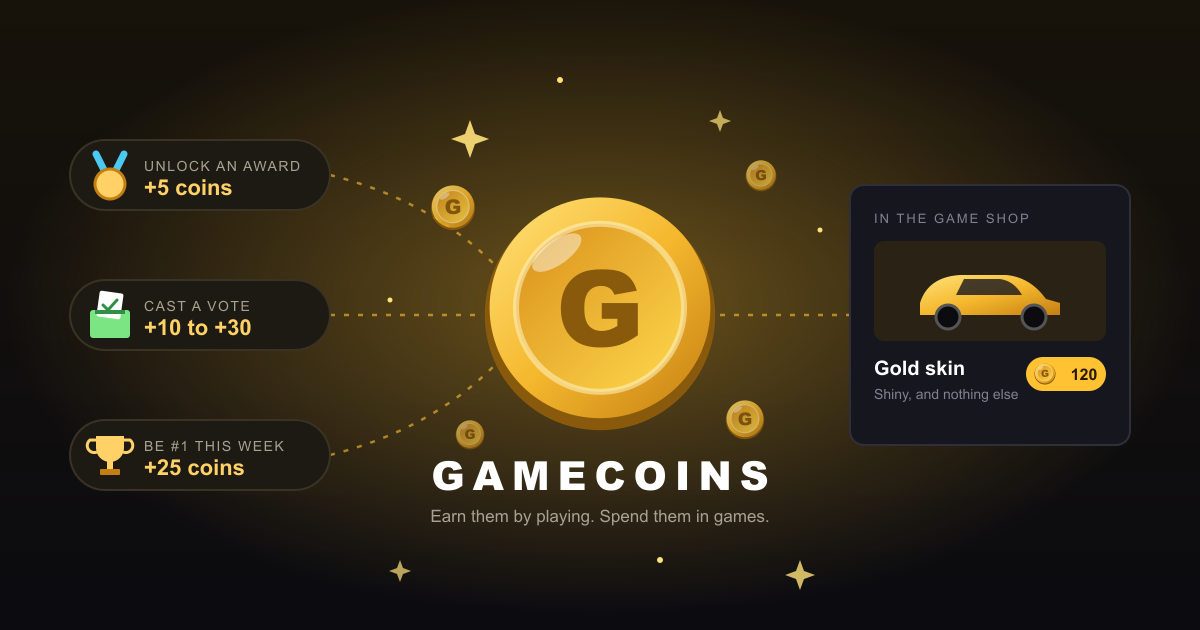
You beat a tricky level, unlock a secret award, vote for the best game of the week, or hold the top spot on a leaderboard for seven days straight. Until now, that was just bragging rights. Now it pays: every one of those moments earns you gamecoins 🪙, Gamero's own currency.
Your balance sits in the header next to your name, and your full history lives on the gamecoins page. All you need is a Gamero account.
Three ways to earn
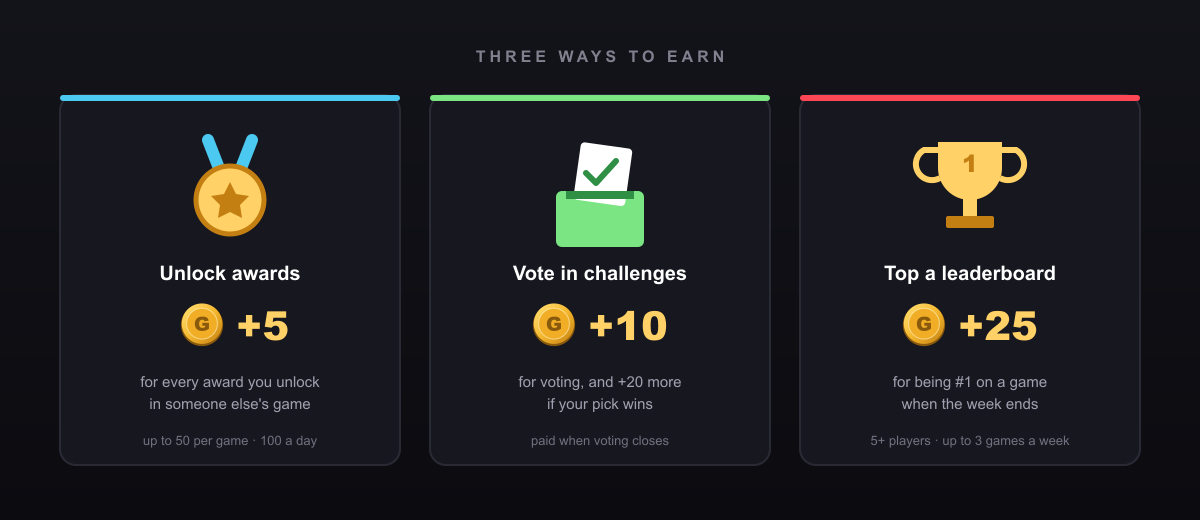
🏅 Unlock awards: +5 each. Many games on Gamero have awards: finish the first world, beat a boss without getting hit, find the hidden room. Every award you unlock in someone else's game pays 5 coins, up to 50 per game and 100 a day. A toast pops up the moment it happens, so you know you've earned them.
🗳️ Vote in challenges: +10, and +20 more if you call it. Every week creators compete in a challenge, and players pick the winner. Play the entries, vote for your favorite, and you get 10 coins when voting closes. Picked the game that ends up winning? That's another 20 on top. Good taste pays.
🥇 Top a leaderboard: +25. If you're #1 on a game's leaderboard when the week ends (Monday 00:00 UTC), you get 25 coins. The board needs at least 5 players, so it has to be a real fight, and you can collect this bonus on up to 3 games a week. Defend your spot, and you earn it again next week.
A few fair-play rules: creators never earn coins from their own games, and brand-new accounts (created less than a day before voting closes) can still vote but don't earn vote coins. That keeps the economy fair for everyone who plays for real.
Spend them inside games
Creators can sell extras in their games for gamecoins: a gold skin for your car, a bonus level, a new character, a power-up. You'll find a game's items on its page, and you buy them right inside the game, from its own shop button.
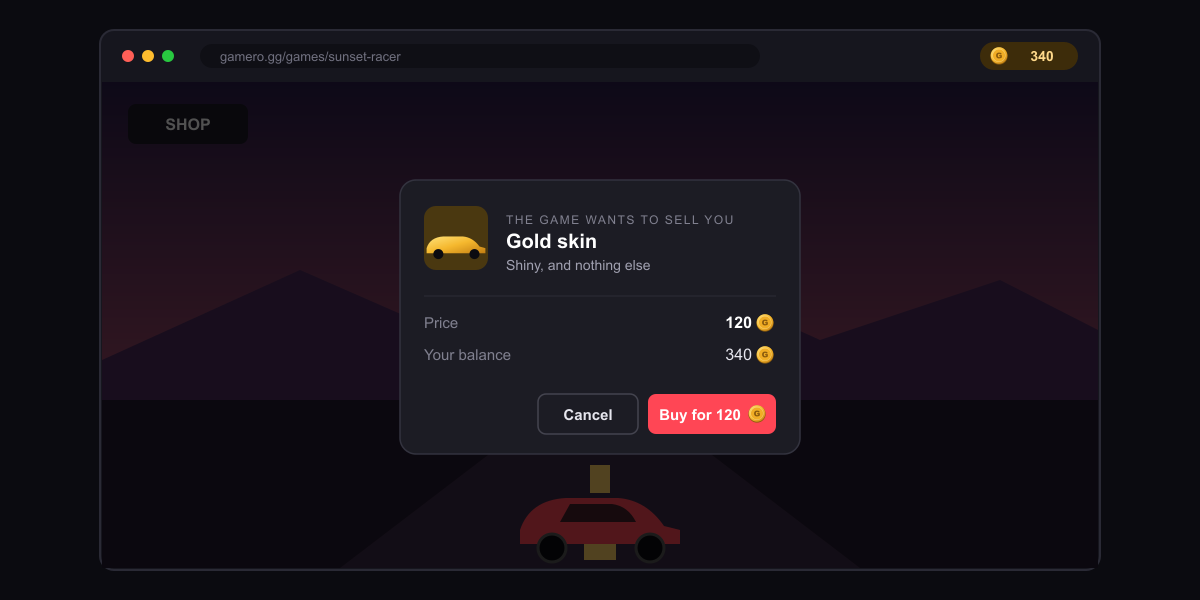
You're always in control. A game can never spend your coins on its own. When it offers you something, Gamero steps in with its own dialog over the game: what the item is, what it costs, and how many coins you have. You confirm or cancel, and the Buy button waits a moment before it works, so a stray click mid-game can't buy anything by accident.
What you buy is yours. Items stay on your account, so they're there next time you play, on any device. Buying the same item twice does nothing, and creators can't delete an item once players have paid for it.
Games stay fair. We ask creators to keep their games complete without items: cosmetics and extras, not a paywall in front of the ending.
Need a few more?
Saving up for something? Earning is the main way to get coins, but when coin packs are available you can also top up your balance on the gamecoins page with a card. Coins are for spending on Gamero: they can't be exchanged for money or sent to other players.
For creators: sell items in your game
Adding a shop takes two calls. Define your items (key, title, emoji and a price from 10 to 500 coins) in step 5 of your submission, then call Gamero.hasItem("gold-skin") when the game starts and Gamero.buyItem("gold-skin") from your shop button. Gamero handles the dialog, the balance and the payment, and you can test your items for free on your draft. Spent coins are burned rather than paid out, so items are about making your game more fun to come back to. Everything is in the shop items section of the creator guide.
Awards are the other half: every award you add gives players a reason to explore your game, and now a few coins for doing it. See awards in the guide.
Start collecting
Pick a game with awards, vote in this week's challenge, or go hunting for a leaderboard you can top. Your first coins are closer than you think.